Features
Everything in Porotimer
A Pomodoro timer, a garden that grows with every session, and the small tools around them that keep you on task. Here is all of it, with what is free and what comes with Pro.
Every session plants a tree
Your focus becomes something you can see. Each finished session adds a tree to today’s island, and over weeks the islands become a garden.
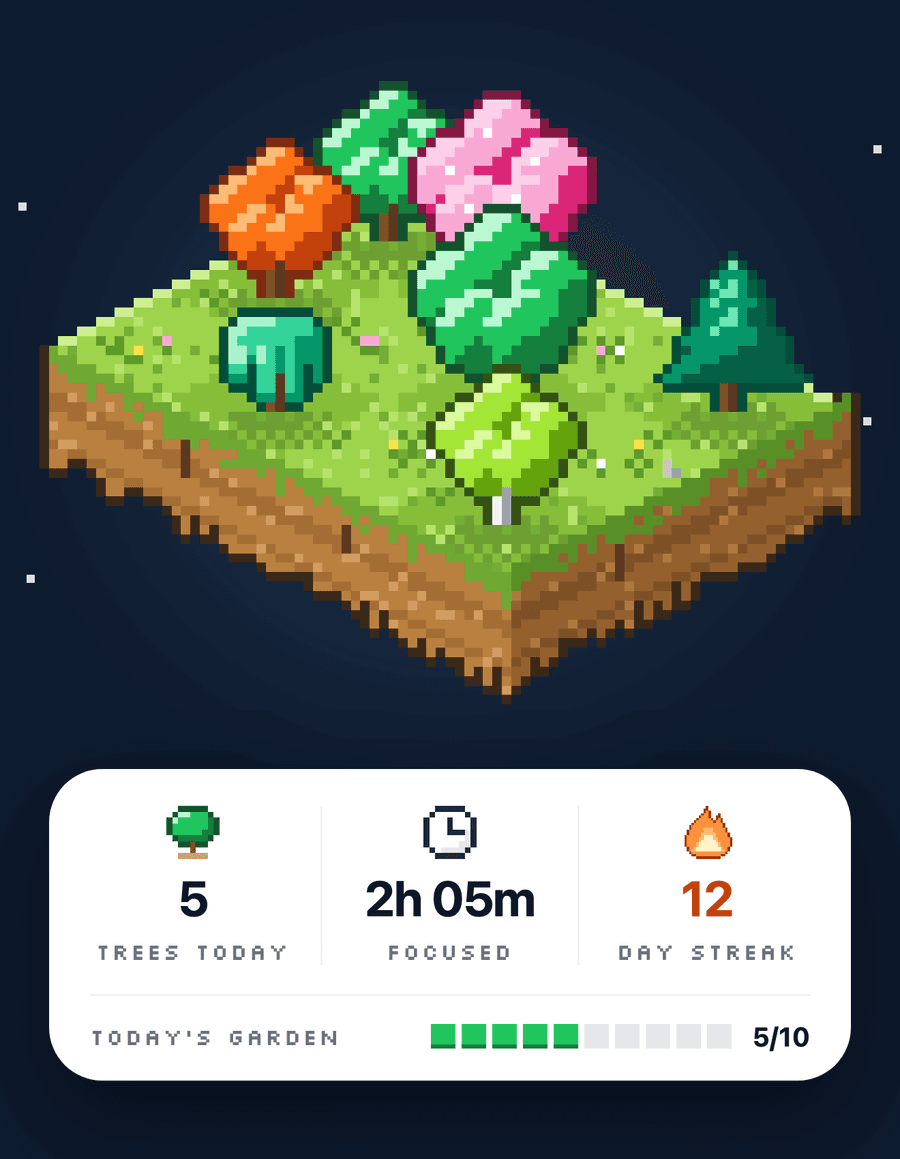
A tree for every session
FreeFinish a focus session and a tree takes root on today’s island. The longer you focus, the bigger it grows.
How it works: A tree for every session →Earn Sun
FreeFocusing earns Sun. Spend it in the tree shop on new species for your garden.
How it works: Earn Sun →Streak trees
FreePine, Maple, Willow, Sakura and Redwood unlock as your streak grows, from 7 days to a full year.
How it works: Streak trees →Streak Shields
Free + ProA shield covers a missed day so your streak survives. Hold one at a time for free, or three with Pro.
How it works: Streak Shields →Garden history
Free + ProBrowse this month’s garden for free. Earlier months and the Year view come with Pro.
How it works: Garden history →Holiday and epic trees
ProPlant Halloween, Christmas, Tết and other holiday characters in season, and buy epic trees like Ginkgo and Moonlight.
How it works: Holiday and epic trees →
Grow with your streak
Free · unlocks as you keep going OakFrom day one
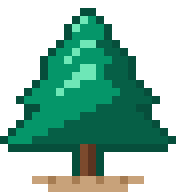 Pine7-day streak
 Maple30-day streak
 Willow60-day streak
 Sakura180-day streak
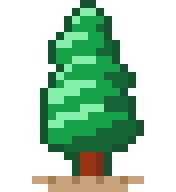 Redwood365-day streak
Buy with Sun
Free · epic trees need Pro Birch250 Sun
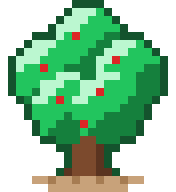 Apple300 Sun
 Cherry300 Sun
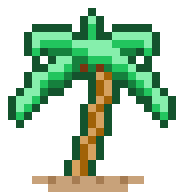 Palm350 Sun · rare
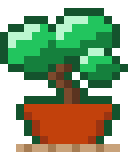 Bonsai400 Sun · rare
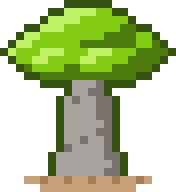 Baobab400 Sun · rare
 Ginkgo450 Sun · epic
 Wisteria450 Sun · epic
 Moonlight500 Sun · epic
Holiday characters
Pro · plantable while the holiday lasts Pumpkin treeHalloween
 Ghost treeHalloween
 Christmas pineChristmas
 Snowman treeChristmas
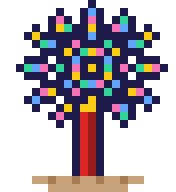 Firework treeNew Year
 Peach treeTết
 Heart treeValentine’s Day
 Lantern treeMid-Autumn
A timer that fits how you work
One dial you can read from across the desk, with your rhythm, sounds and breaks set the way you like them.
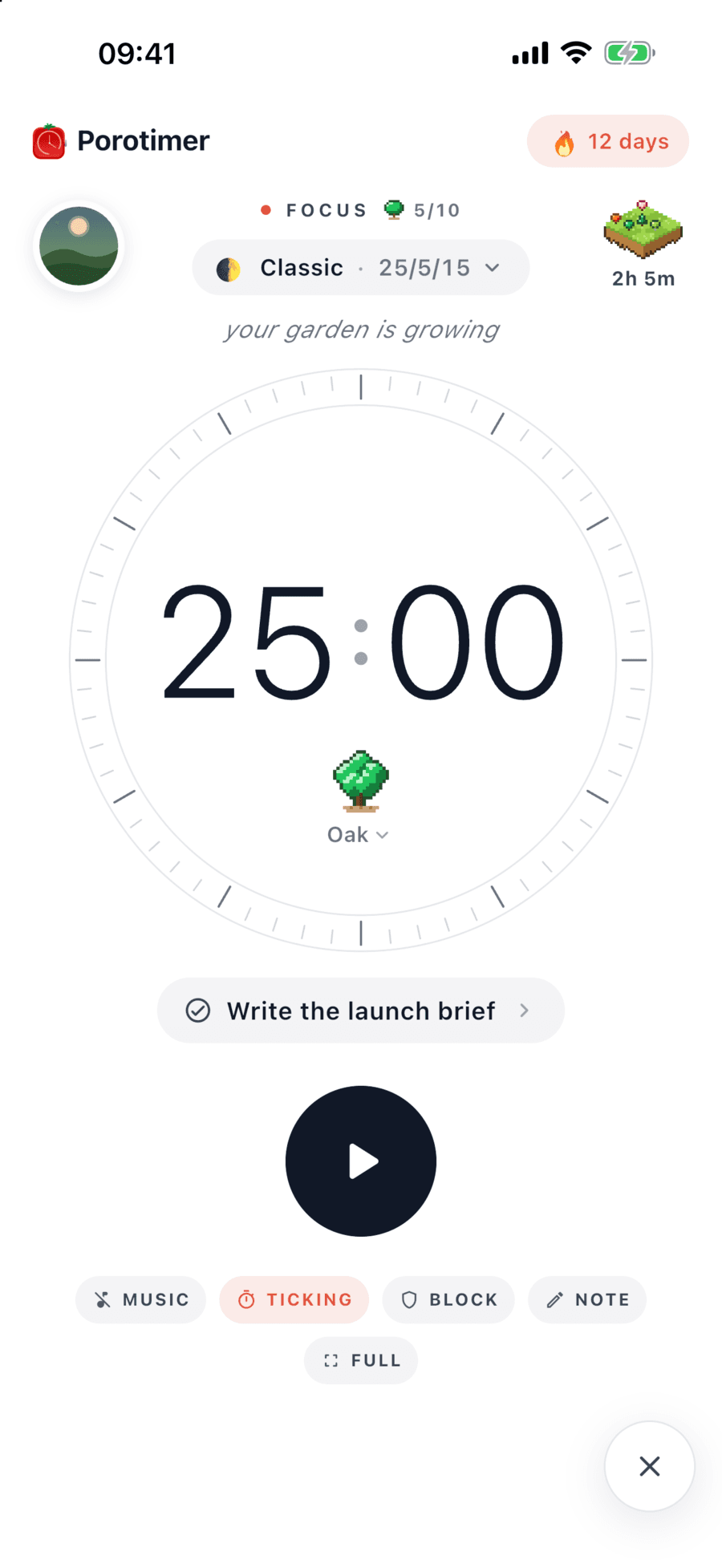
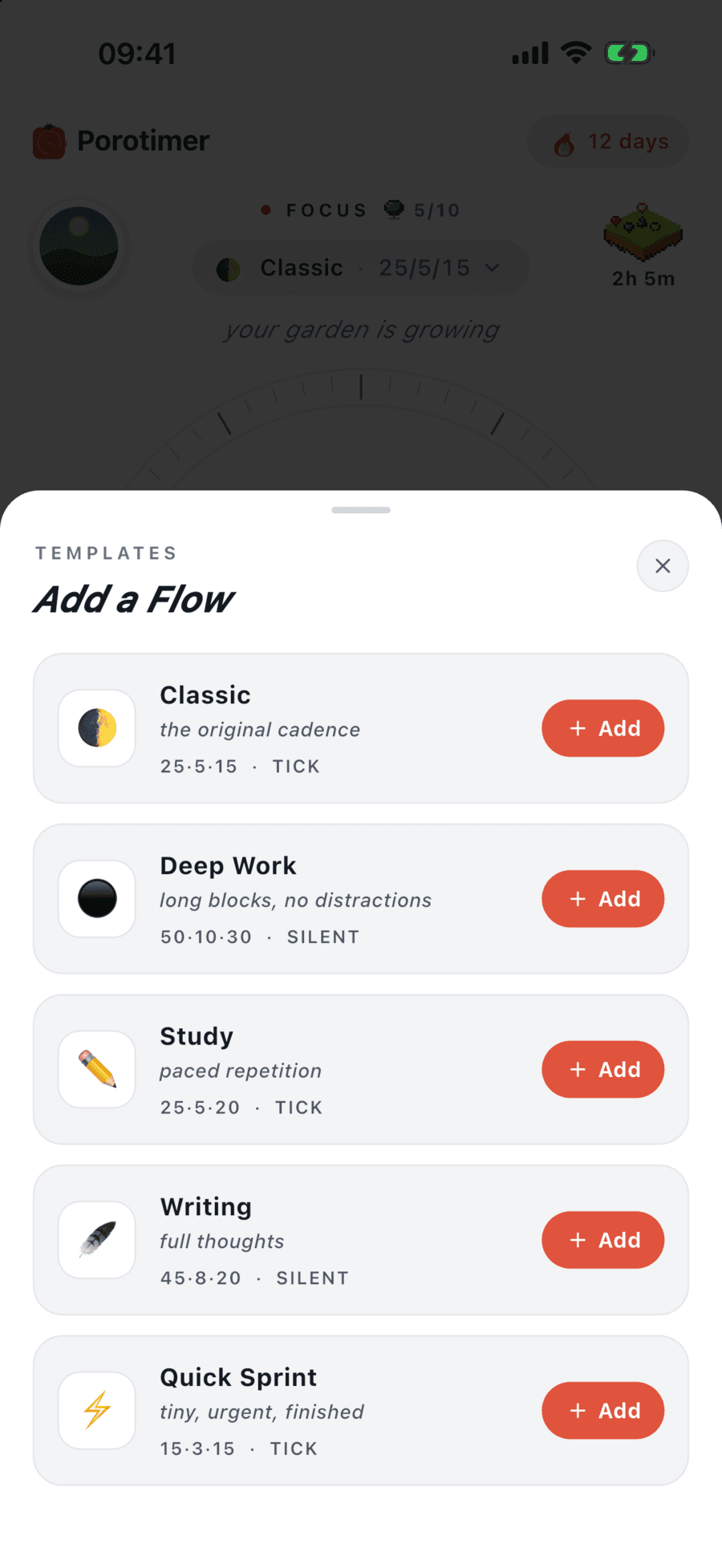
The dial
FreeA full-circle countdown with your task underneath. Set the length you want, or go full screen.
How it works: The dial →Flows
Free + ProYour first Flow holds your focus, break and sound settings. With Pro, keep as many as you like and add templates like Classic, Deep Work and Study.
How it works: Flows →Focus sounds
Free + ProPick focus music, a ticking sound and an alarm. A few are free, the full set comes with Pro, and audio keeps playing when you leave the app.
How it works: Focus sounds →Real breaks
Free + ProShort and long breaks with a calm scene. More relaxing break sounds come with Pro.
How it works: Real breaks →Auto-start
ProRoll from focus into a break and back again without touching the phone.
How it works: Auto-start →
Block the apps that pull you away
Distractions wait until the session ends, and nothing about your apps leaves your phone.
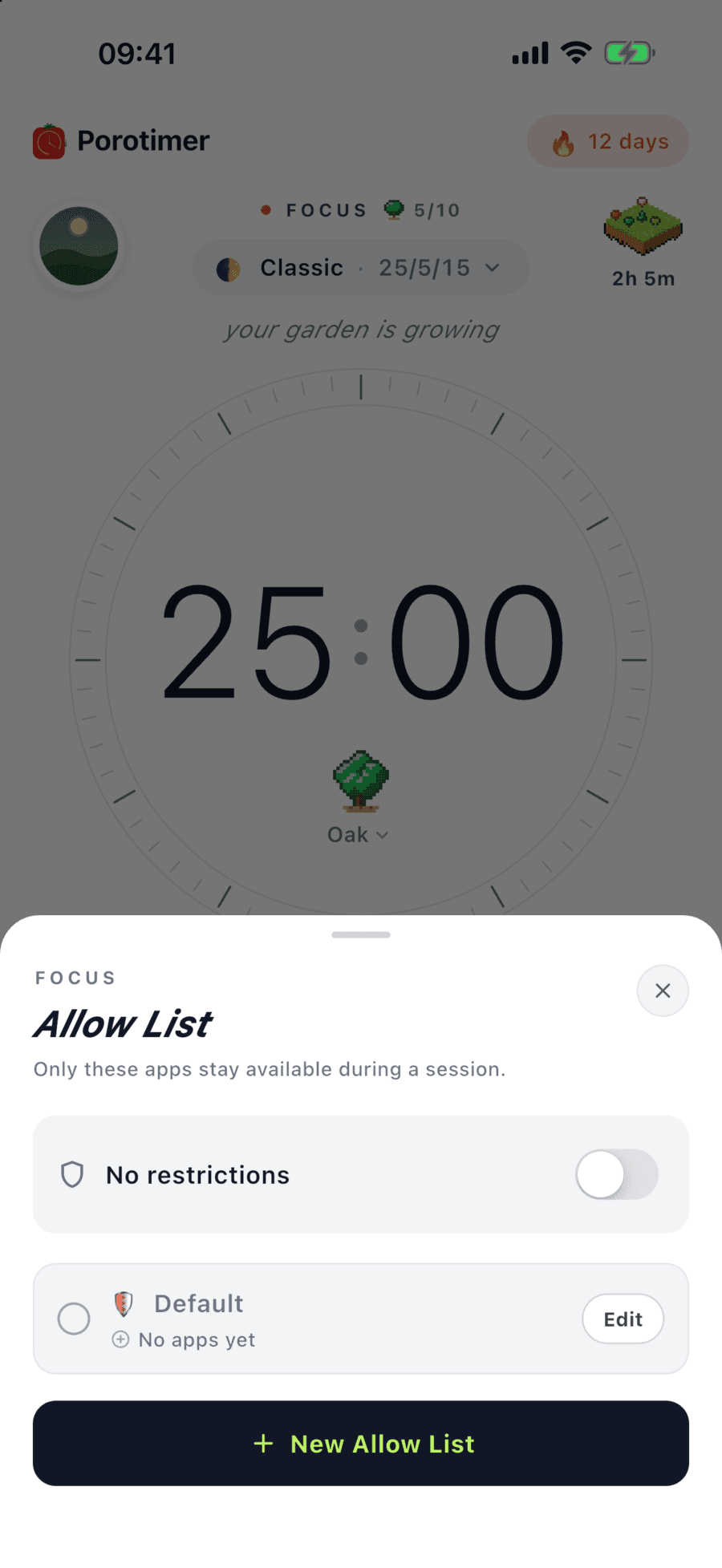
App blocking
ProPorotimer blocks distracting apps only while a focus session runs, using Apple’s Screen Time.
How it works: App blocking →Allow lists
ProBuild lists of the apps you actually need. Everything else waits until the session ends.
How it works: Allow lists →Private by design
ProApple keeps your app choices on your device. Porotimer never sees which apps you use.
How it works: Private by design →
Know what to do next, and see what you did
Plan the day’s tasks, start a session on any of them, and look back on where your focus went.
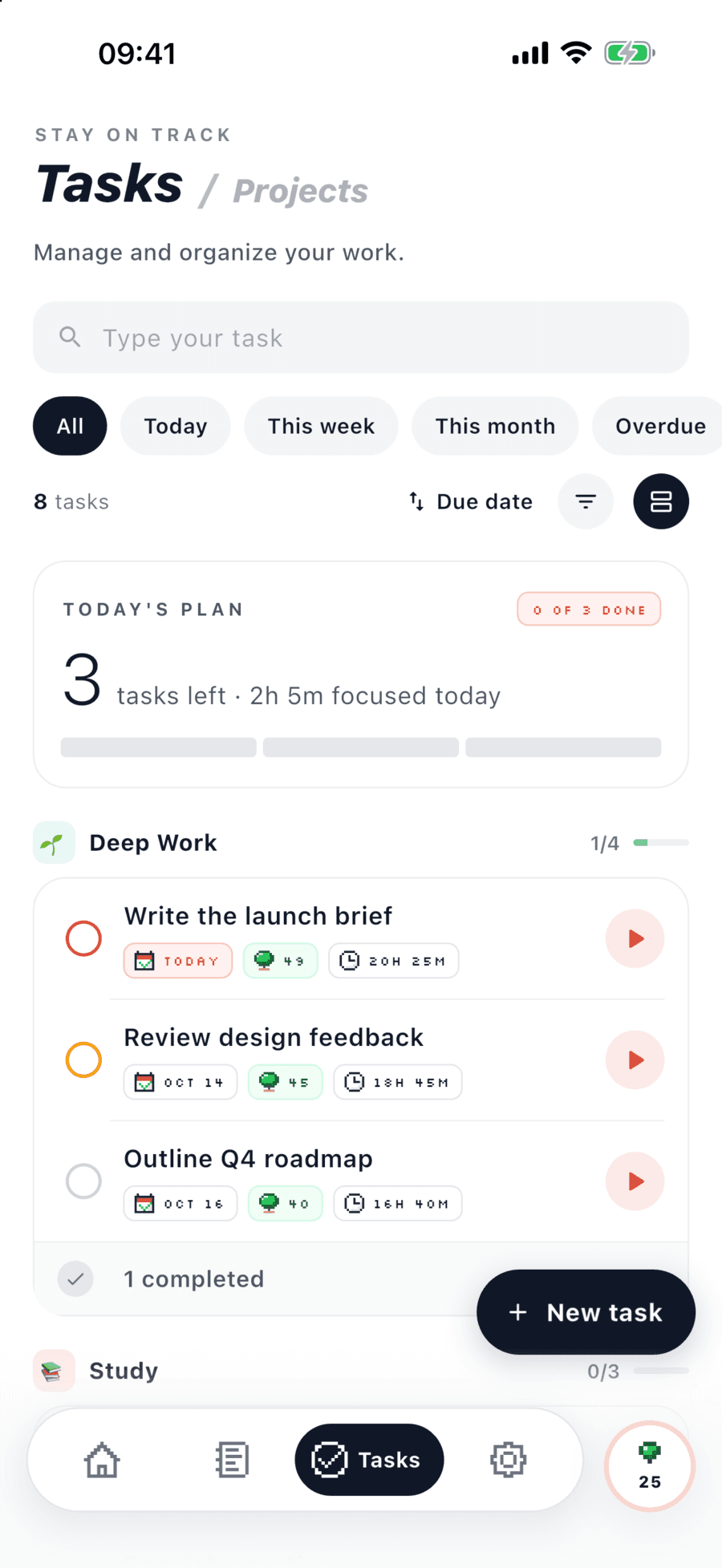
Tasks
Free + ProAdd a task in seconds and start a session on it from the list or the dial. Up to 10 free, unlimited with Pro.
How it works: Tasks →Projects and details
ProGroup tasks into projects with an emoji, and add due dates, priority and tags.
How it works: Projects and details →Daily notes
ProKeep a short note for each day: what you did, what got in the way, what is next.
How it works: Daily notes →Session timeline
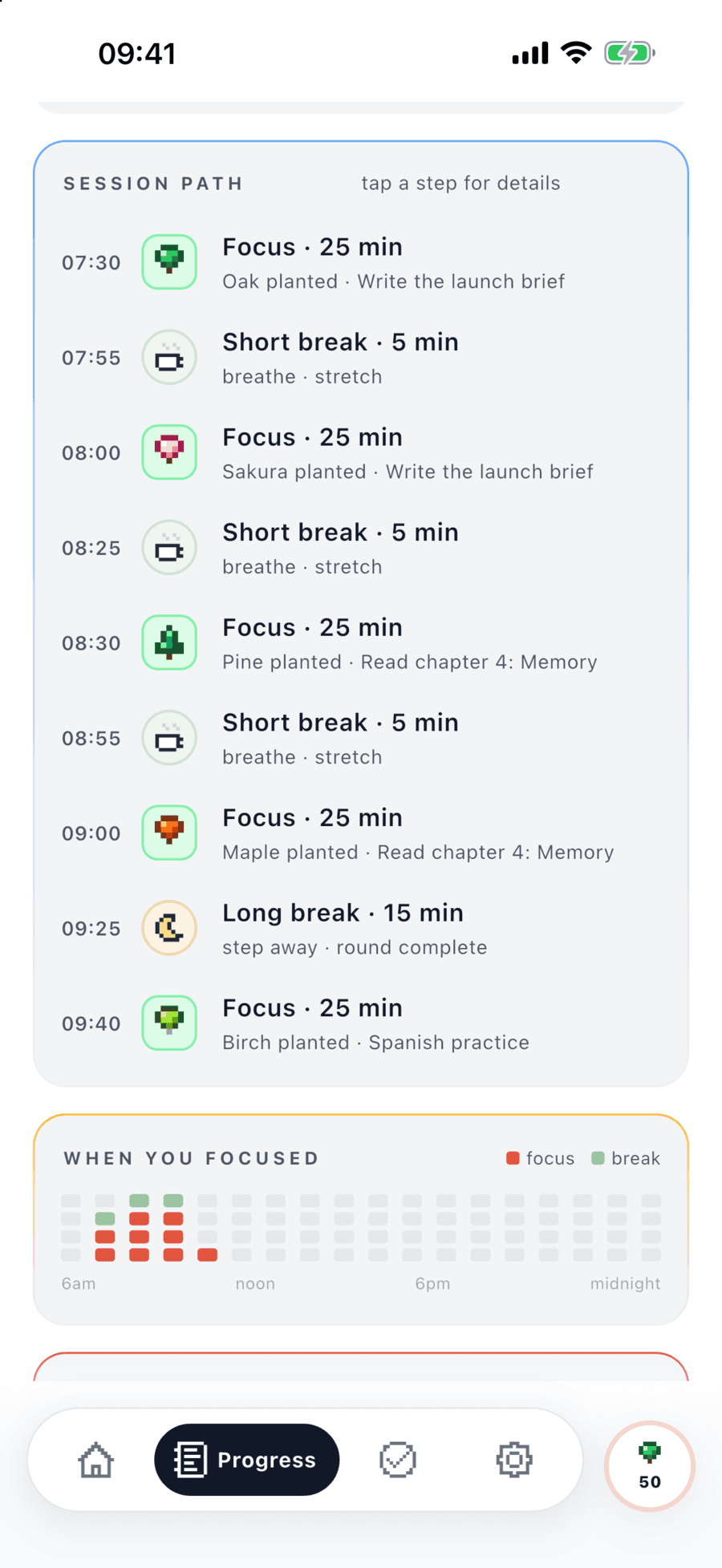
FreeEvery focus and break of the day in order, with the tree each one planted.
How it works: Session timeline →Progress
Free + ProSee the last 30 days one day at a time for free. Week, Month and all-time insights come with Pro.
How it works: Progress →Badges and streaks
FreeSixteen pixel badges for focus milestones and streaks, from your first session to 250.
How it works: Badges and streaks →
Your timer, even with the app closed
The countdown follows you to the Lock Screen and Home Screen, and everything you do syncs to your other Apple devices.
Live Activity
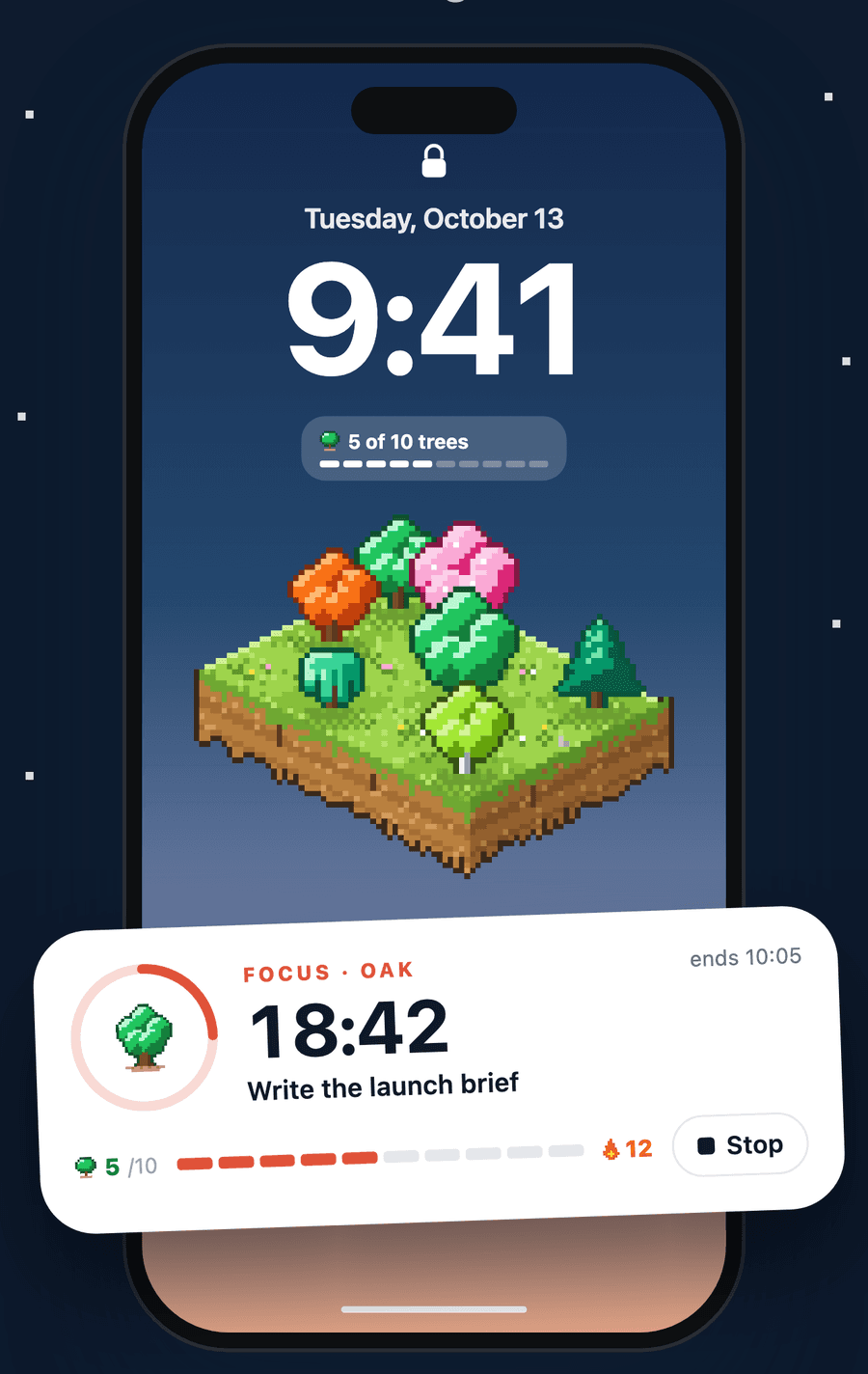
FreeThe countdown sits on your Lock Screen and in the Dynamic Island, with a Stop button.
How it works: Live Activity →Widgets
Free + ProSmall timer, Today and Lock Screen widgets are free. Pro adds the medium timer, This week, This month and Garden.
How it works: Widgets →Sync across iPhone and iPad
FreeSessions, tasks, notes and your garden stay the same on every device you sign in to.
How it works: Sync across iPhone and iPad →Daily reminders
FreeA gentle nudge at the time you choose, worded from your own recent sessions.
How it works: Daily reminders →
Free and Pro
Start free with the timer and your garden. Pro unlocks the rest. Prices are shown in the App Store for your region.
| Feature | Free | Pro |
|---|---|---|
| Focus Garden | ||
| A tree for every session | ||
| Sun, streak trees and the tree shop | ||
| Garden history | This month | All months + Year |
| Streak Shields held at once | 1 | 3 |
| Holiday and epic trees | ||
| Timer | ||
| Focus dial, breaks and long-break interval | ||
| Flows | 1 | Unlimited + templates |
| Focus music, ticking and alarm sounds | A few | All |
| Break sounds | Floating | All 10 |
| Auto-start breaks and sessions | ||
| Stay on task | ||
| App blocking with allow lists | ||
| Plan & reflect | ||
| Tasks | Up to 10 | Unlimited |
| Projects, due dates, priority and tags | ||
| Daily notes | ||
| Progress | Day, last 30 days | Day, Week, Month, all time |
| Badges and streaks | ||
| Always with you | ||
| Live Activity and Dynamic Island | ||
| Widgets | Small timer, Today, Lock Screen | All, incl. week, month, garden |
| Sync between iPhone and iPad | ||
Questions, answered
Do I need an account?
Yes. Porotimer is free to download, and a free account keeps your sessions and garden safe. Sign in with Apple, Google, or a short code sent to your email.
Does Porotimer work on iPad?
Yes. Sign in on your iPhone and iPad and your sessions, tasks, notes and garden sync between them.
Does it work offline?
Yes. Everything is saved on your device first, and syncs the next time you are online.
How does app blocking work?
It uses Apple’s Screen Time. You choose the apps; Porotimer blocks the rest only while a focus session runs. Your choices stay on your device.
How do I cancel Pro?
Pro is an App Store subscription. Cancel any time in your Apple Account subscription settings, at least 24 hours before it renews.
Plant your first tree today
4.9 ★★★★★ on the App Store


Free on iPhone and iPad · Free account to get started