Focus in short sessions.
Watch your garden grow.
Porotimer is a Pomodoro timer that turns every focus session into a tree. Plan your tasks, block the apps that pull you away, and see your progress grow into a garden, one session at a time.
Free on iPhone and iPad · Free account to get started
Everything in Porotimer 2.1
Loved by focused people everywhere
“Simple, straightforward, and super powerful”
“The best focus app on the market”
“Nothing short of stellar”
Every session plants a tree
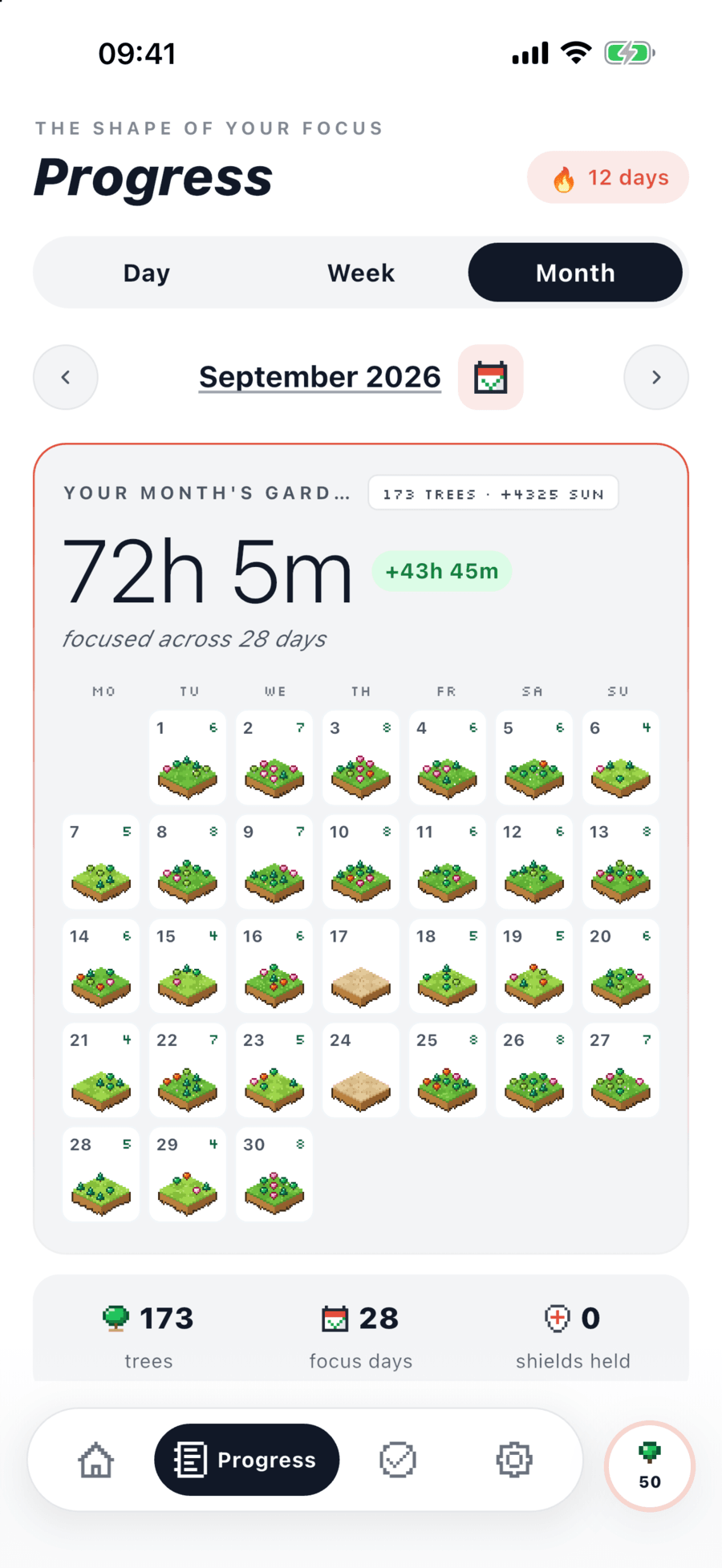
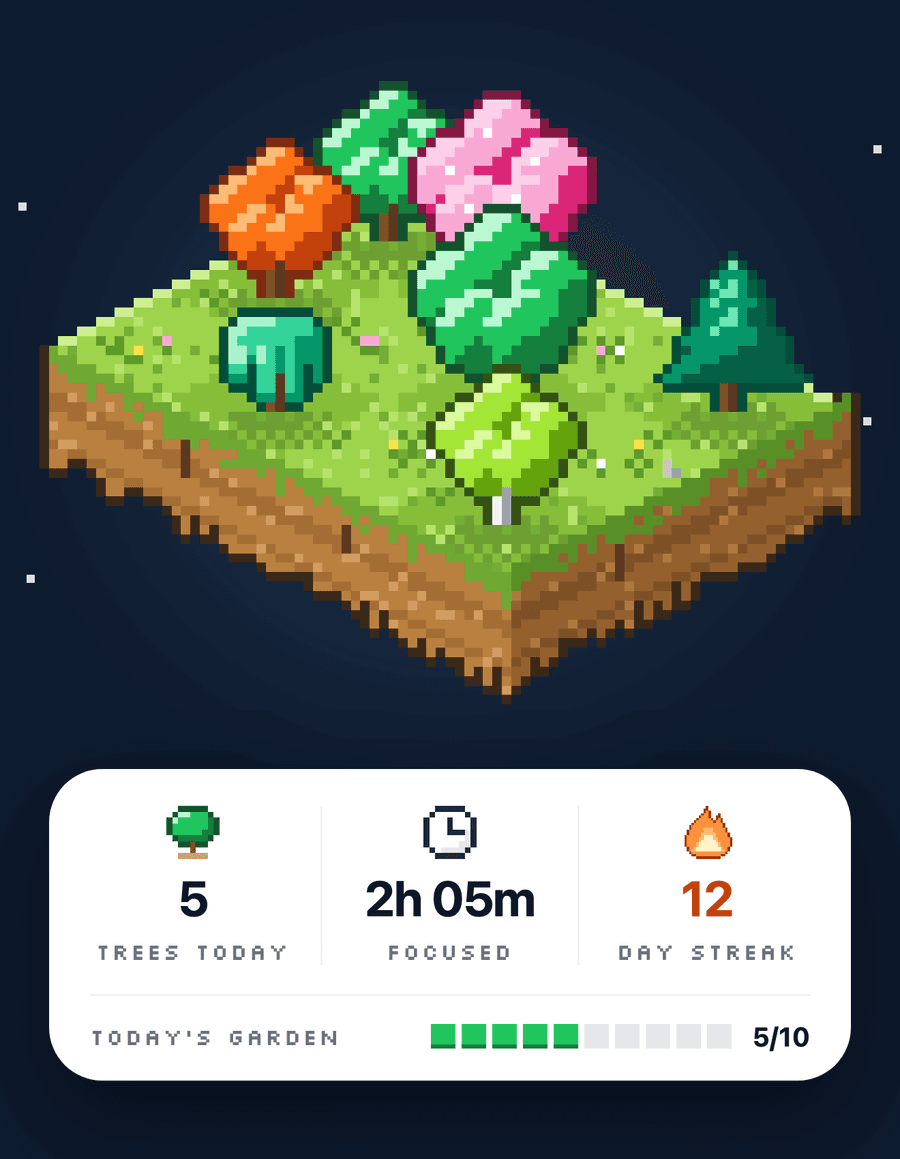
Finish a focus session and a tree takes root. The longer you focus, the bigger it grows. Choose what to plant, earn Sun as you focus, collect seasonal and rare trees, and watch a week or a month of work turn into a garden.
A timer that fits how you work
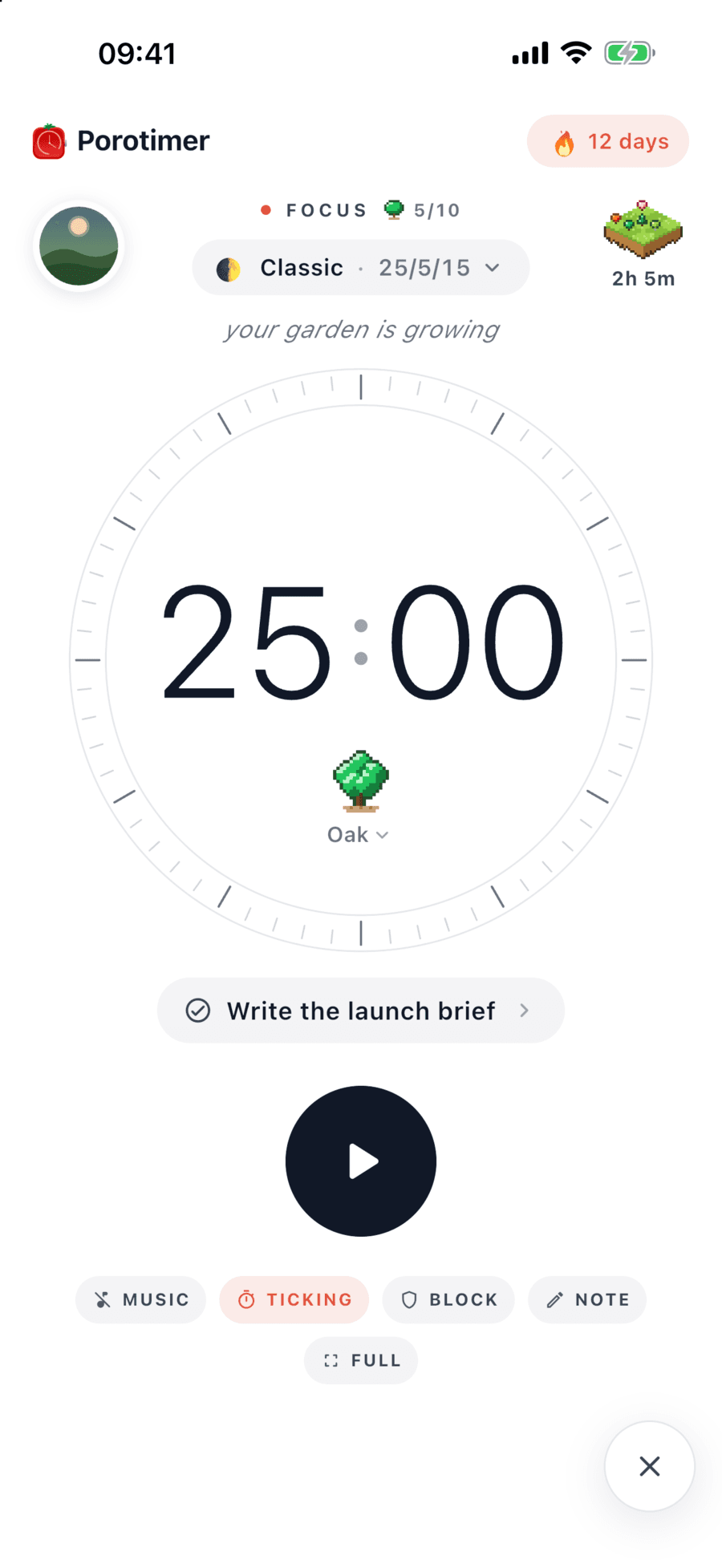
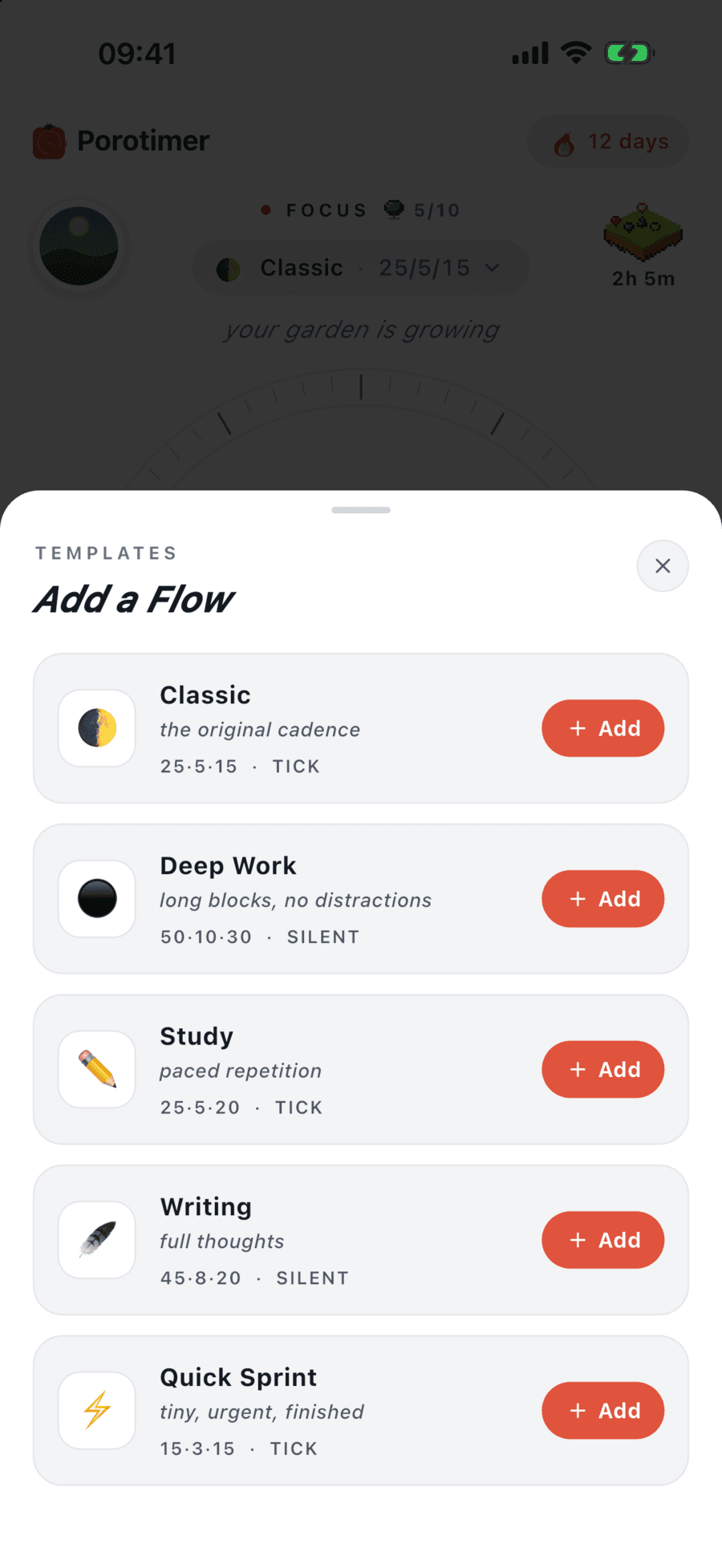
Set your own focus, short break and long break lengths. Save the whole setup as a Flow, with its music, ticking and alarm, and with Pro keep several to switch between in a tap. Go full screen and let everything else fall away.
Block the apps that pull you away
Pick the apps that steal your attention. Porotimer blocks them only while a focus session runs, using Apple's Screen Time, and your choices stay on your device.
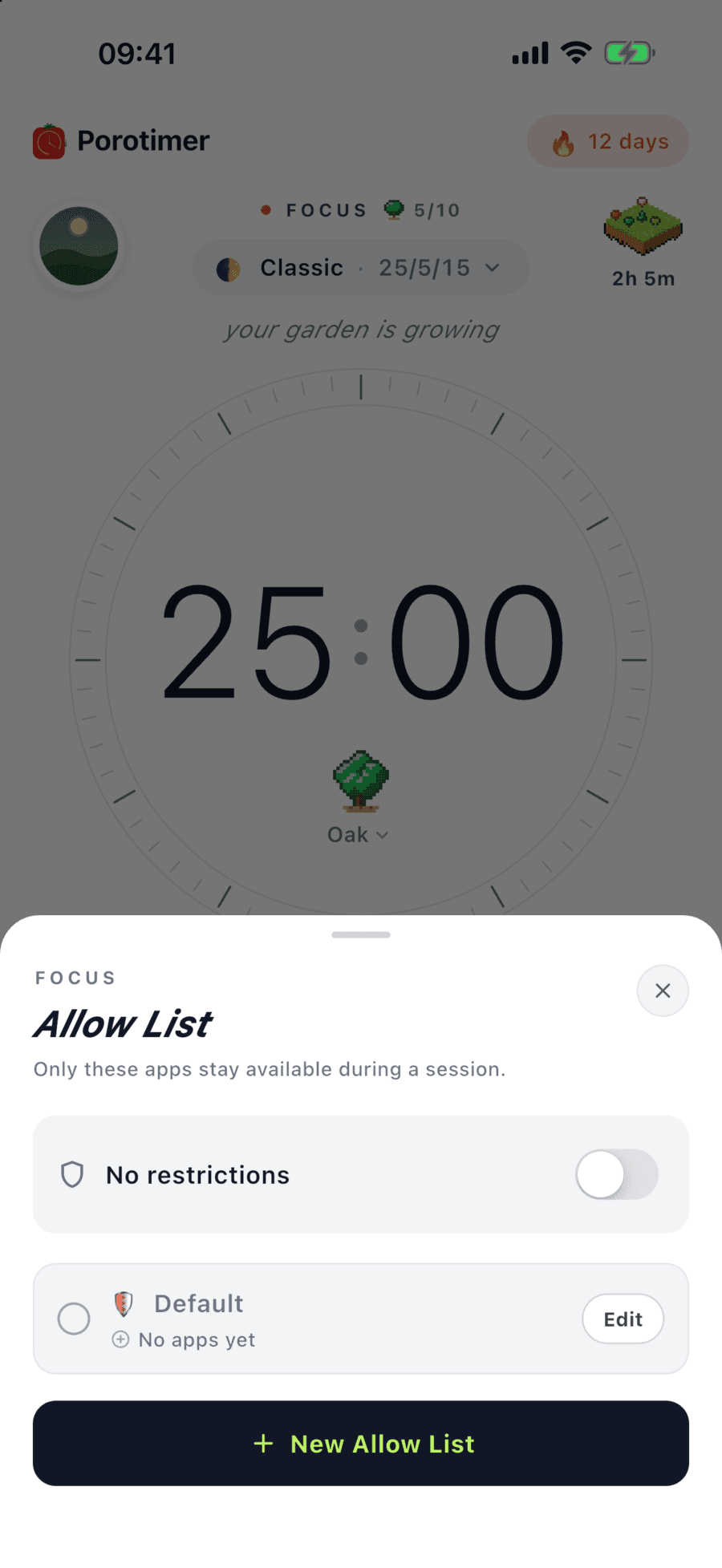
Take a break that gives your focus back
Focus music and a gentle tick keep you in the zone. When the sprint ends, a calm scene and relaxing sounds ease you into a real pause. Audio keeps playing when you leave the app.
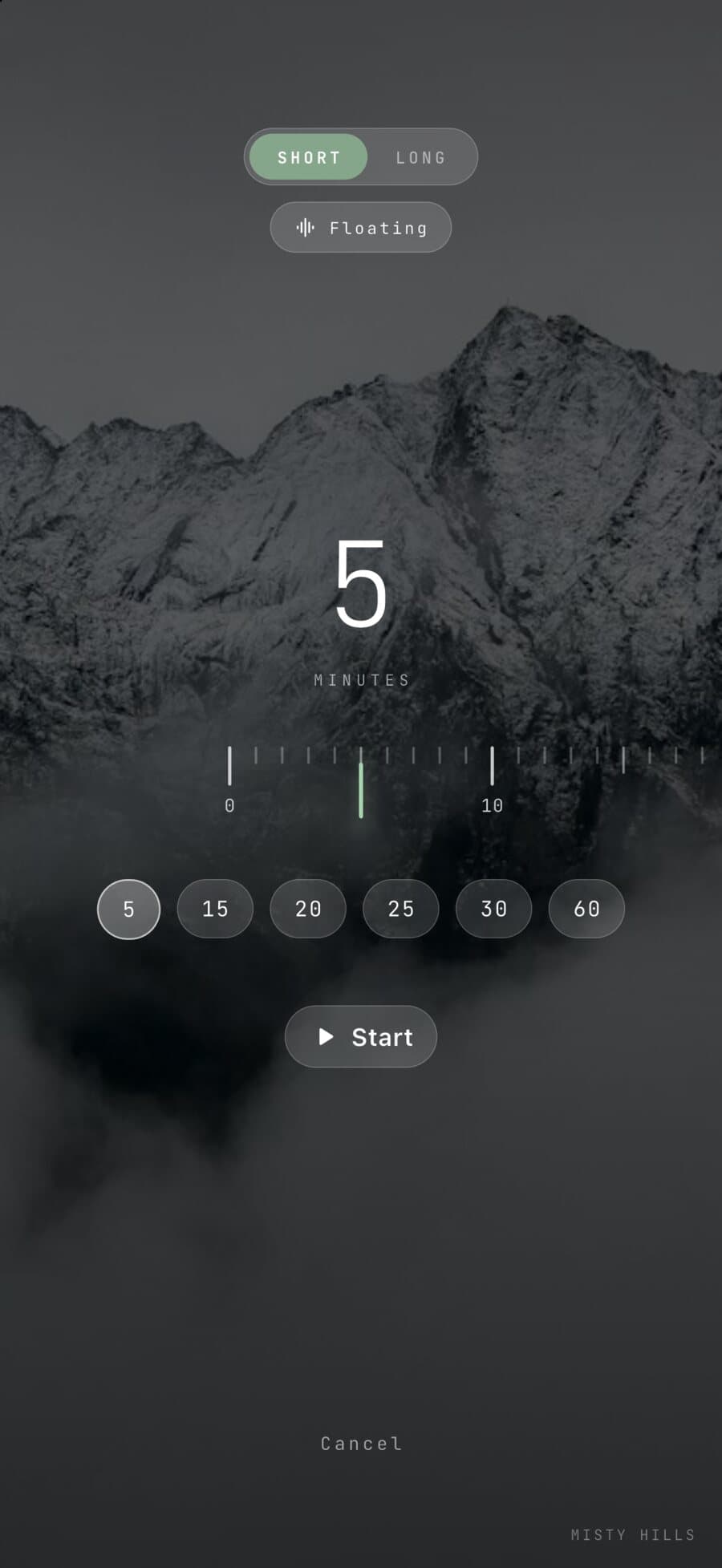
Pick what to focus on, right from the timer
Add a task in seconds and start a session on it straight away. Group your work into projects, and keep a daily note of what you got done.
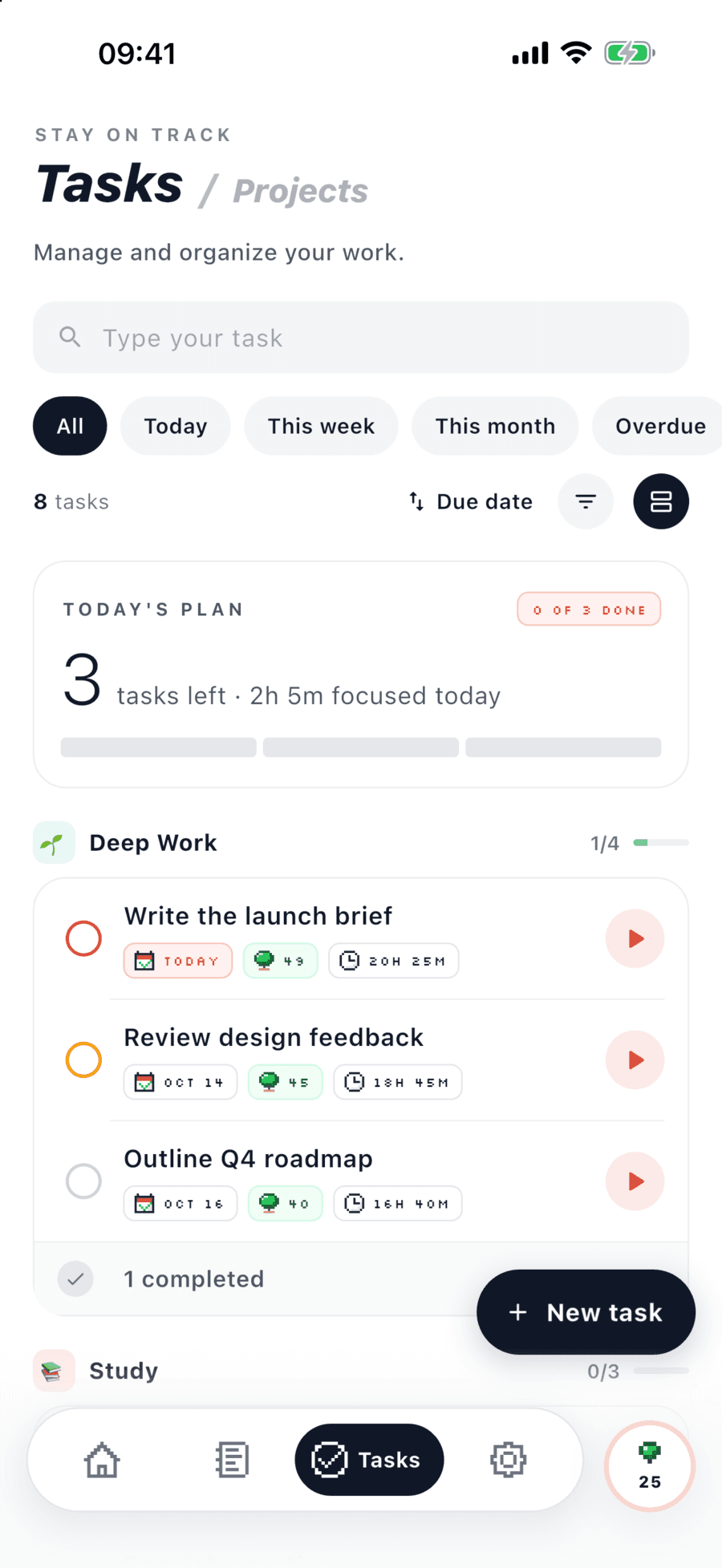
Your timer, even with the app closed
Live Activities keep the countdown on your Lock Screen and in the Dynamic Island. Home Screen widgets show your timer, today's focus and your garden.
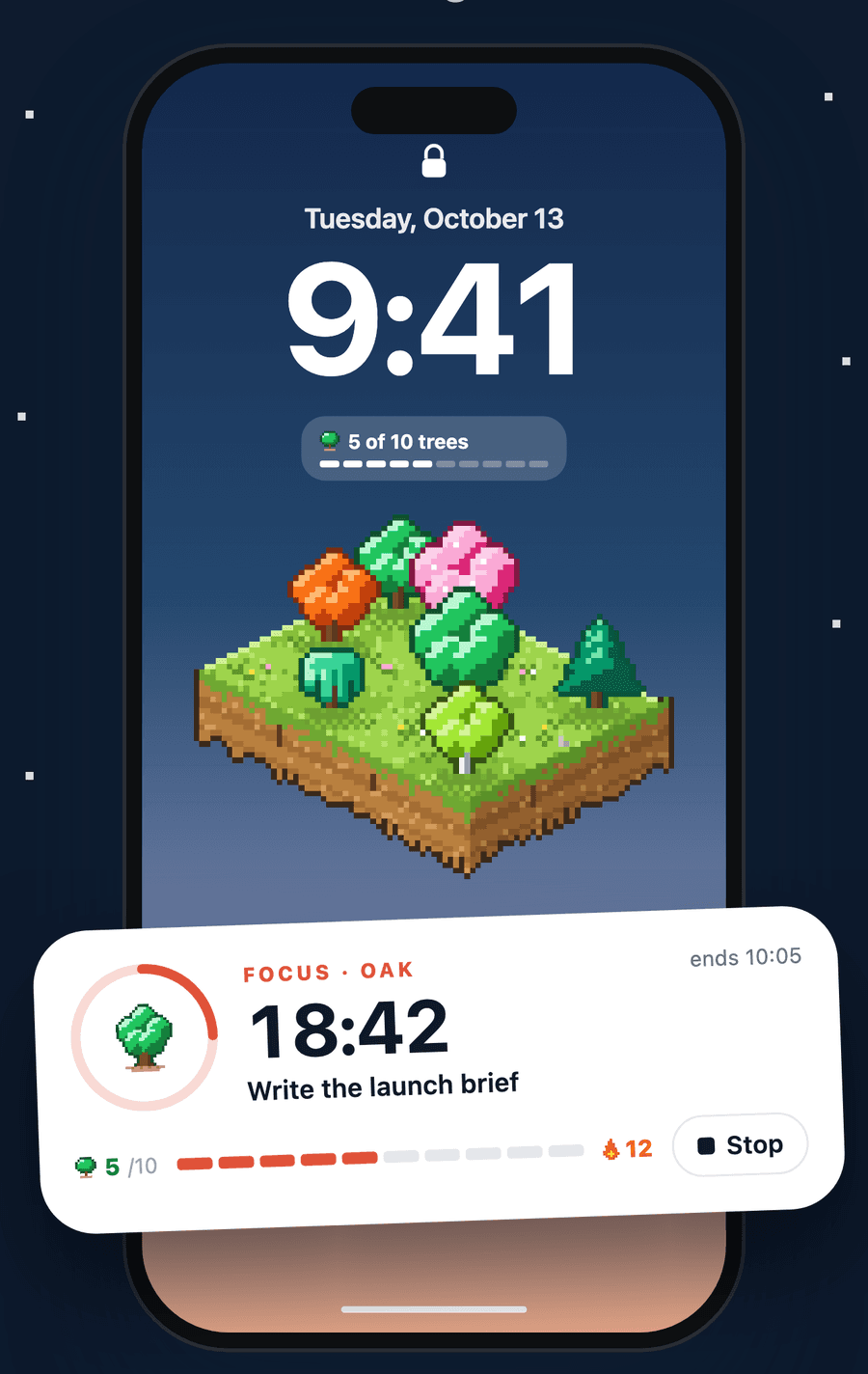
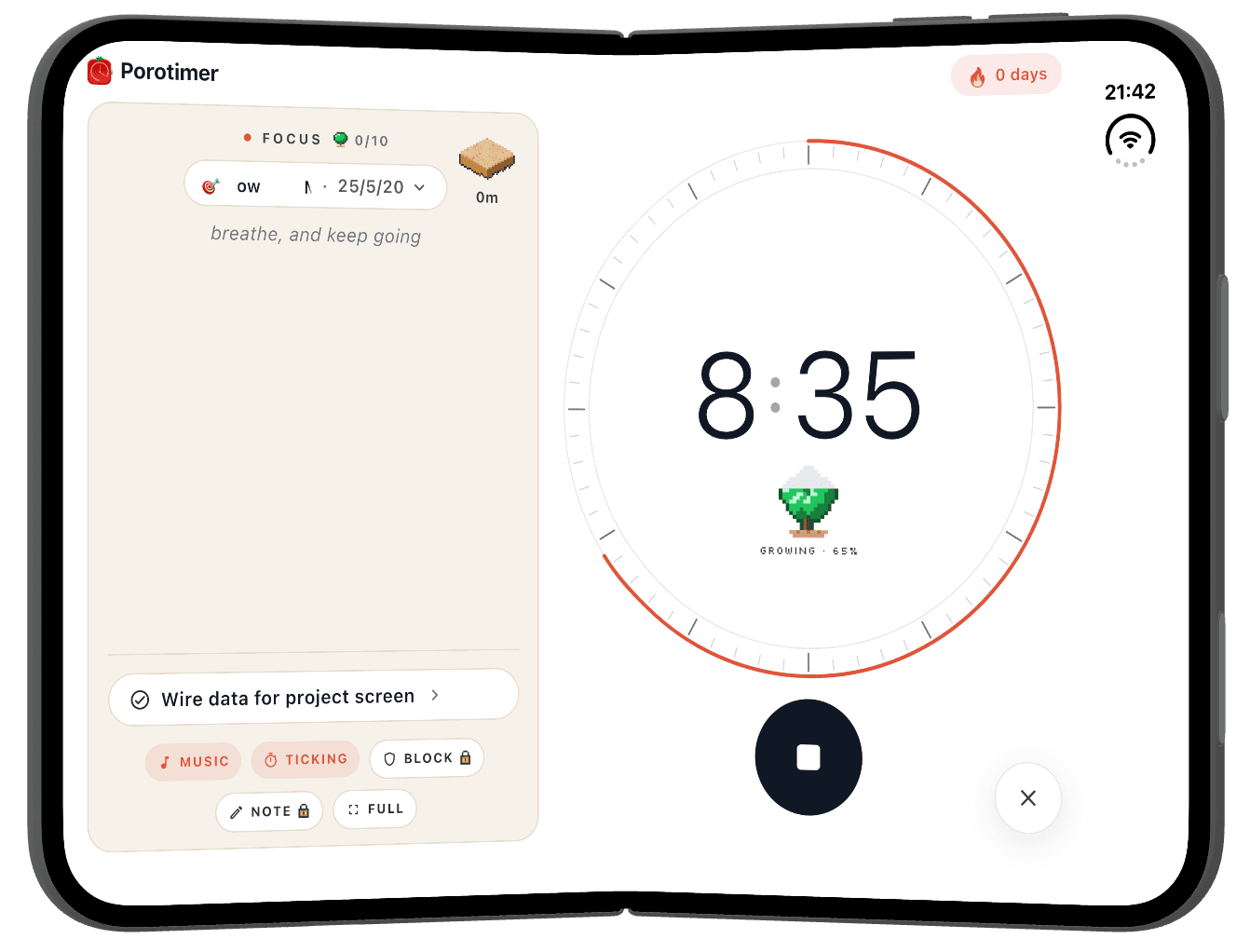
Porotimer for iPhone Duo
Unfold it and Porotimer spreads out: your Flow, task and sounds on one side, a big dial on the other. Fold it and it fits the cover screen just as well.


Works across your devices
Your sessions, tasks, notes and garden sync between your iPhone and iPad.
Built for brains that wander
Short focus blocks, progress you can see, and fewer distractions. For students before exams, people who need deep work, and anyone who gets distracted easily.
Porotimer Pro
Start free with the focus timer and this month's garden. Pro adds tasks and projects, daily notes, custom Flows and sounds, app blocking, rare trees and your full garden history.
Compare Free and Pro →Track your focus on paper
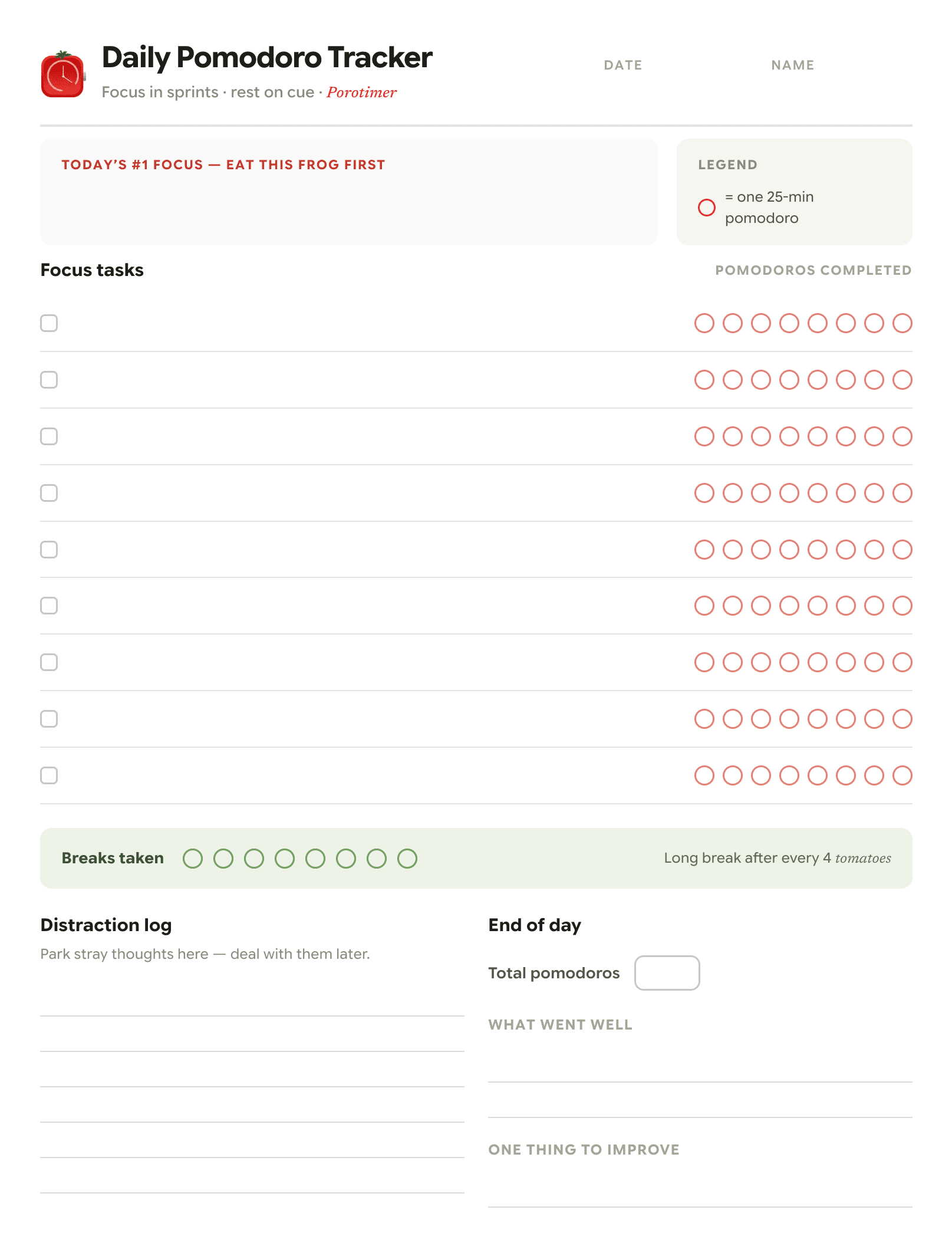
Prefer pen and paper? Leave your email and we’ll send the printable Pomodoro tracking sheet straight to your inbox — print it at home and log your sessions by hand.
- Daily grid with eight pomodoro slots
- Task list and break log
- Weekly focus summary at a glance
Letter & A4 PDF · Confirm your email and it’s yours · No spam, unsubscribe anytime
Start one session. Watch something grow.
4.9 ★★★★★ on the App Store
Free on iPhone and iPad · Free account to get started