25 Minute Timer
One full pomodoro, whenever you're ready.
25 Minute Timer ready. Press start to begin.
Each mark is one minute
Twenty-five minutes is the length of one pomodoro — long enough to get properly into a piece of work, short enough that starting never feels like a commitment. Francesco Cirillo landed on it in the late 1980s with a kitchen timer shaped like a tomato, and it has outlasted every productivity system invented since.
What 25 minutes is good for
One pomodoro
Pick a single task, start the timer, and work on nothing else until it rings. Then take five minutes away from the screen.
Getting unstuck
When a task feels too big to begin, agreeing to twenty-five minutes of it is usually easier than agreeing to finish it.
Focused study
Long enough for a full pass through a chapter or a problem set, without the drop-off that comes an hour in.
Deep-clean sprint
A room, an inbox, or a backlog. Timeboxing the tidying stops it expanding to fill the afternoon.
Questions
Why is a pomodoro 25 minutes?
There is no science behind the exact number — Cirillo simply set his kitchen timer to it while studying and found the length worked. What matters is that it is fixed: a consistent interval is what lets you plan around it and lets you notice when your focus is drifting.
Does the timer keep running if I switch tabs?
Yes. The countdown runs from a real timestamp rather than counting frames, so it stays accurate in a background tab, and the remaining time shows in the tab title.
What should I do after the 25 minutes?
Take five minutes away from the screen. After four pomodoros, take a longer break of 15 to 30 minutes.
Can I use a different length?
Plenty of people work better at 45 or 50 minutes. The interval matters less than keeping it consistent, so pick a length you can repeat.
The hard part isn’t the timer
This page counts down, and that is all it does. Porotimer handles the part that decides whether the session actually works.
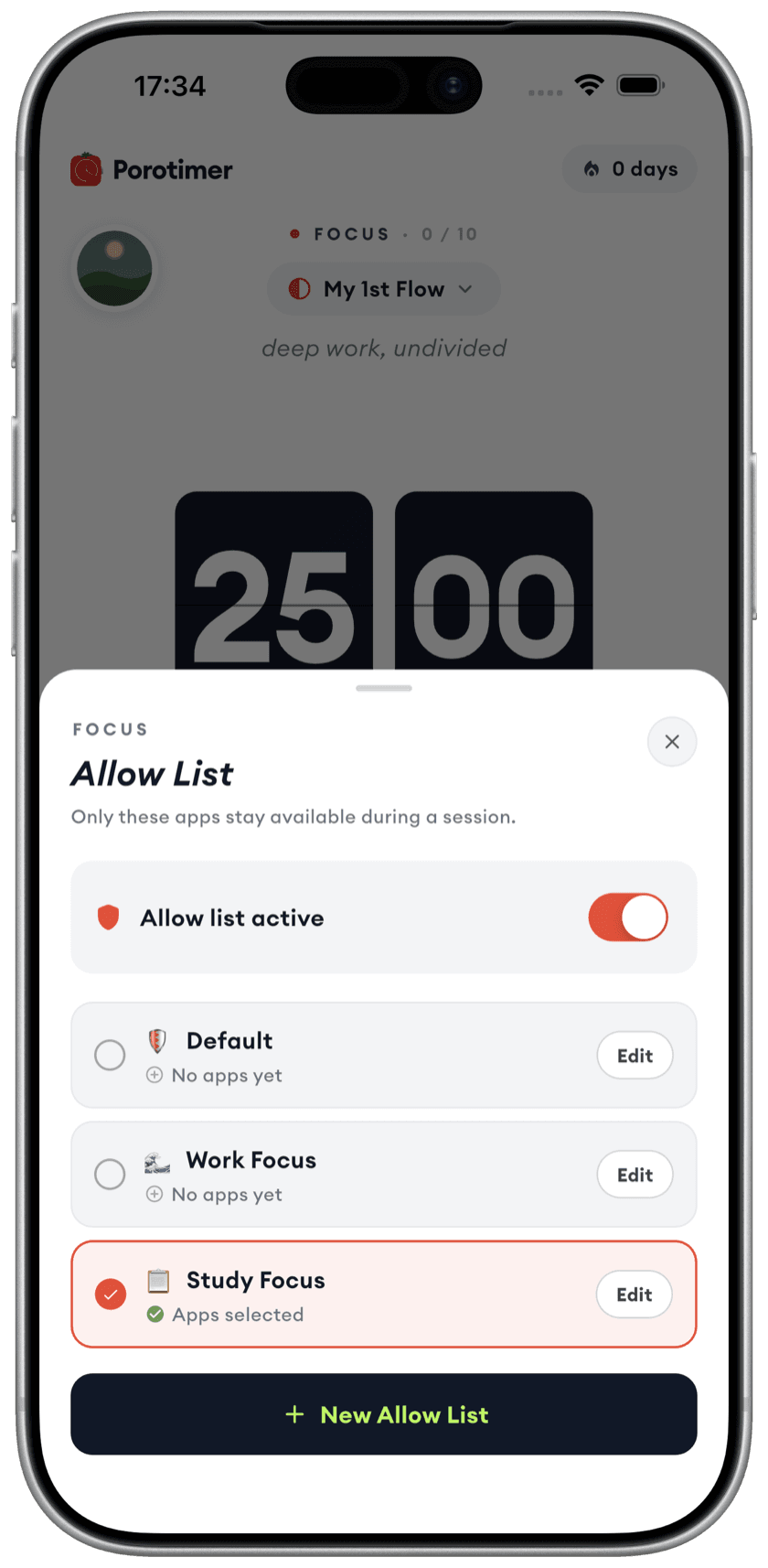
Lock away what breaks focus
Choose the apps you're allowed for the session. Porotimer puts everything else behind a wall until the timer ends — which is the one thing a page in a browser tab can never do.
Learn more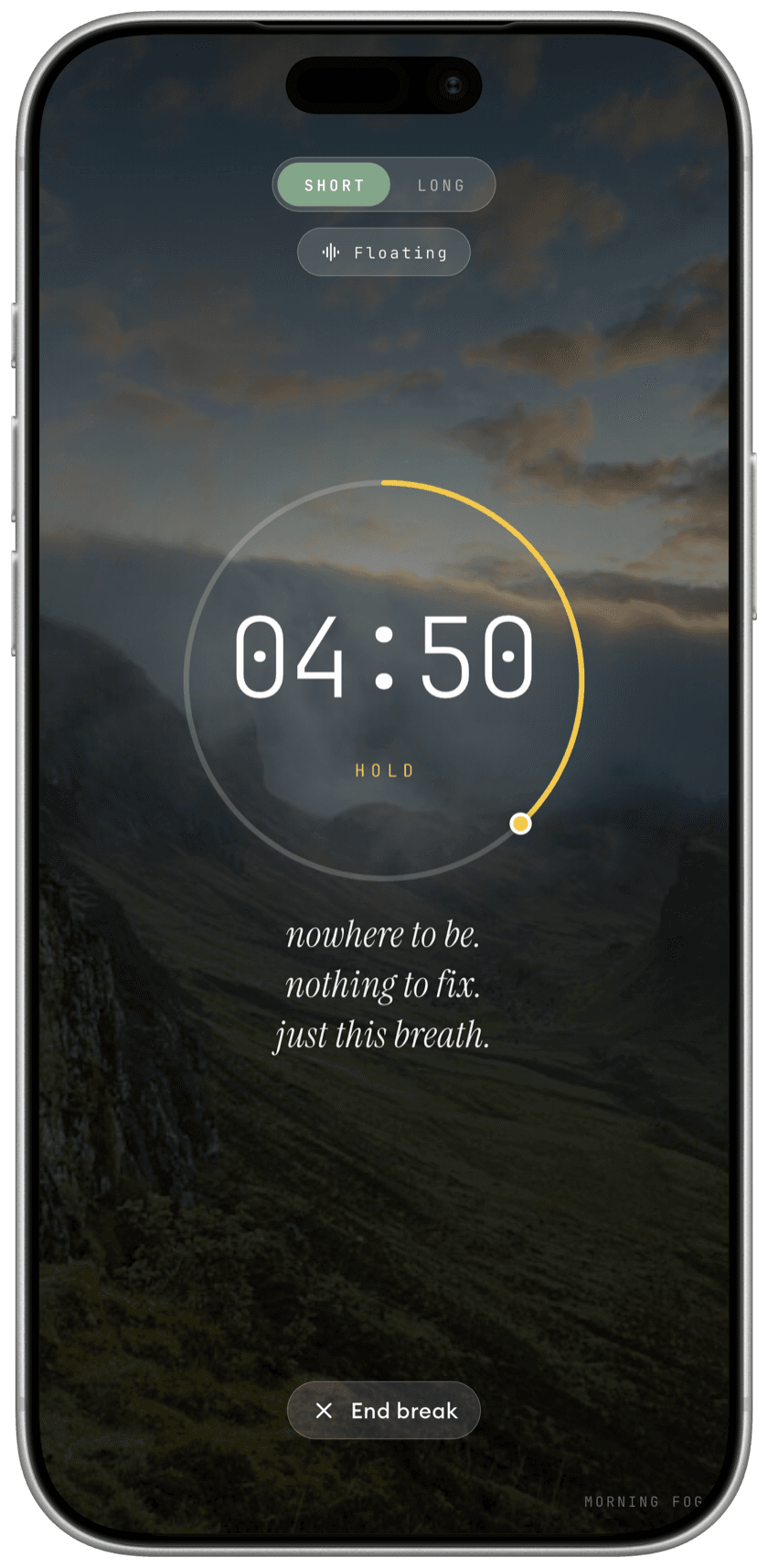
Breaks that actually rest you
A calm scene and a breathing guide when the sprint ends, instead of five minutes of scrolling. You come back settled rather than scattered.
Learn more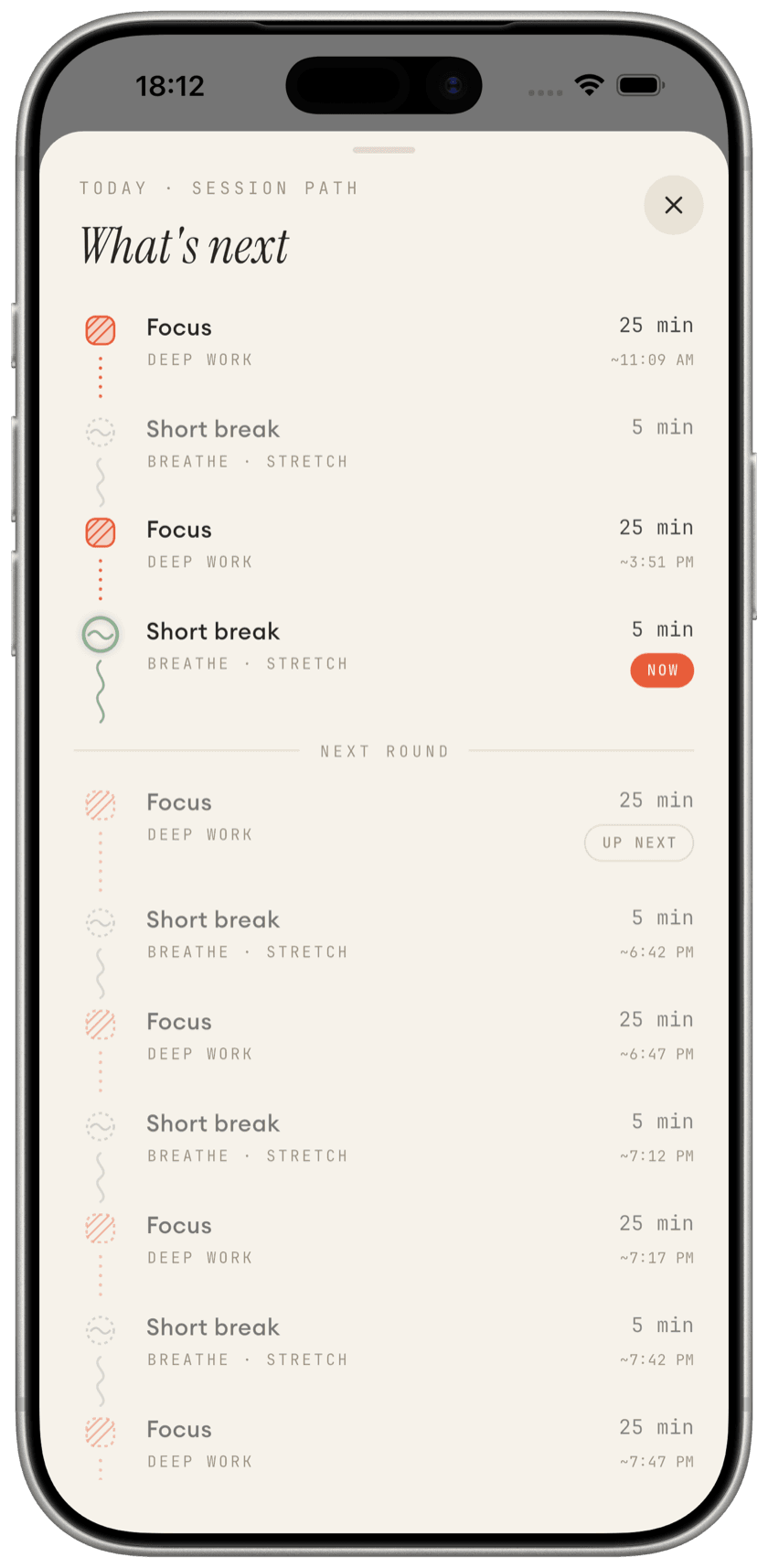
See where the hours went
Every sprint and break laid out in order. The day becomes something you can look back on, rather than something you try to remember.
Learn more